⚠ Built for desktop screens
This tool was built for PC screens (1920×1080 and up) with a keyboard and mouse. It will probably not work pleasantly on a mobile screen.
Free hot-wire foam CAM that runs in your browser
Design or import, preview in 3D, and stream G-code straight to your ESP32/FluidNC or GRBL machine over USB or Wi-Fi. 2–5 axis. No install, no signup, no export limits.
Built by Pete Scheepens, the maker behind FoamCube — machines shipped to makers worldwide since 2015. Why cncfoam →
Import an SVG, DXF or G-code file (or an STL/OBJ 3D model), set your machine size, foam block, feed speed and wire temperature, and the tool simulates the cut and computes the cut time and a solid 3D preview before you melt any foam. It cuts ruled surfaces: straight extrusions (2-axis), tapered and twisted wings and airfoils via a two-profile morph (4-axis X/Y + U/V), lofted shapes, ducts, helical columns and ruled-surface architecture, plus indexed-rotation parts on 3/5-axis rigs.
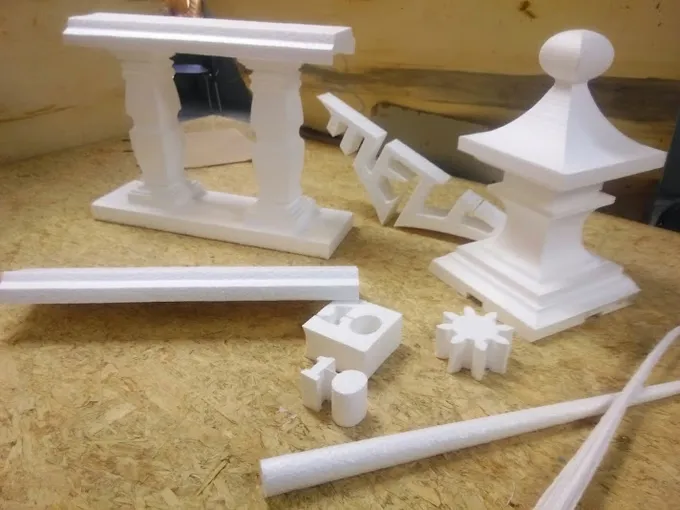
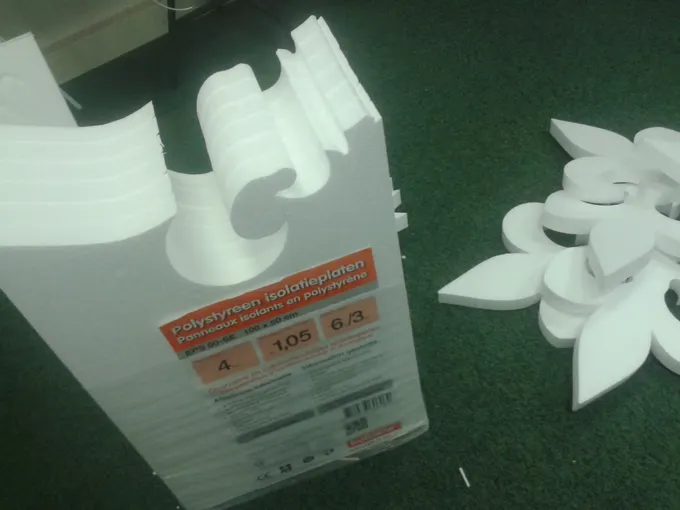
Real cuts, not renders — foam cut on a real machine:
Built by a real maker · FoamCut alternative · FluidNC foam cutter · Jet & RC wing presets · What it makes · Shape library · Wiki · Build the hardware